Skip to content

Ringtone Maker AI · for iPhone

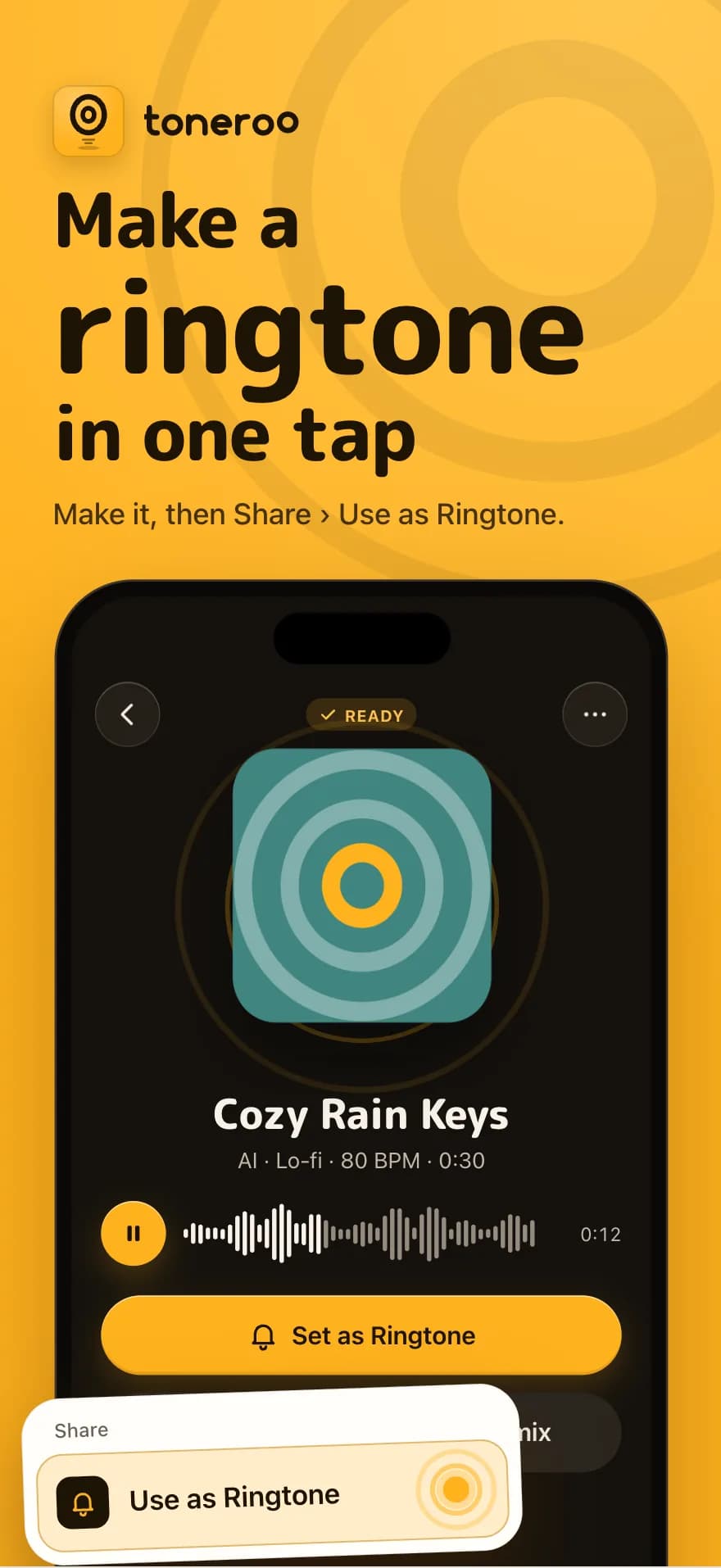
Make a ringtone
in one tap.

Original AI tones, Name Tones, and cuts from your own videos. Set as your ringtone in two taps with iOS 26's built-in “Use as Ringtone”.

Download on the App Store

Free to try · 3 free credits · No ads

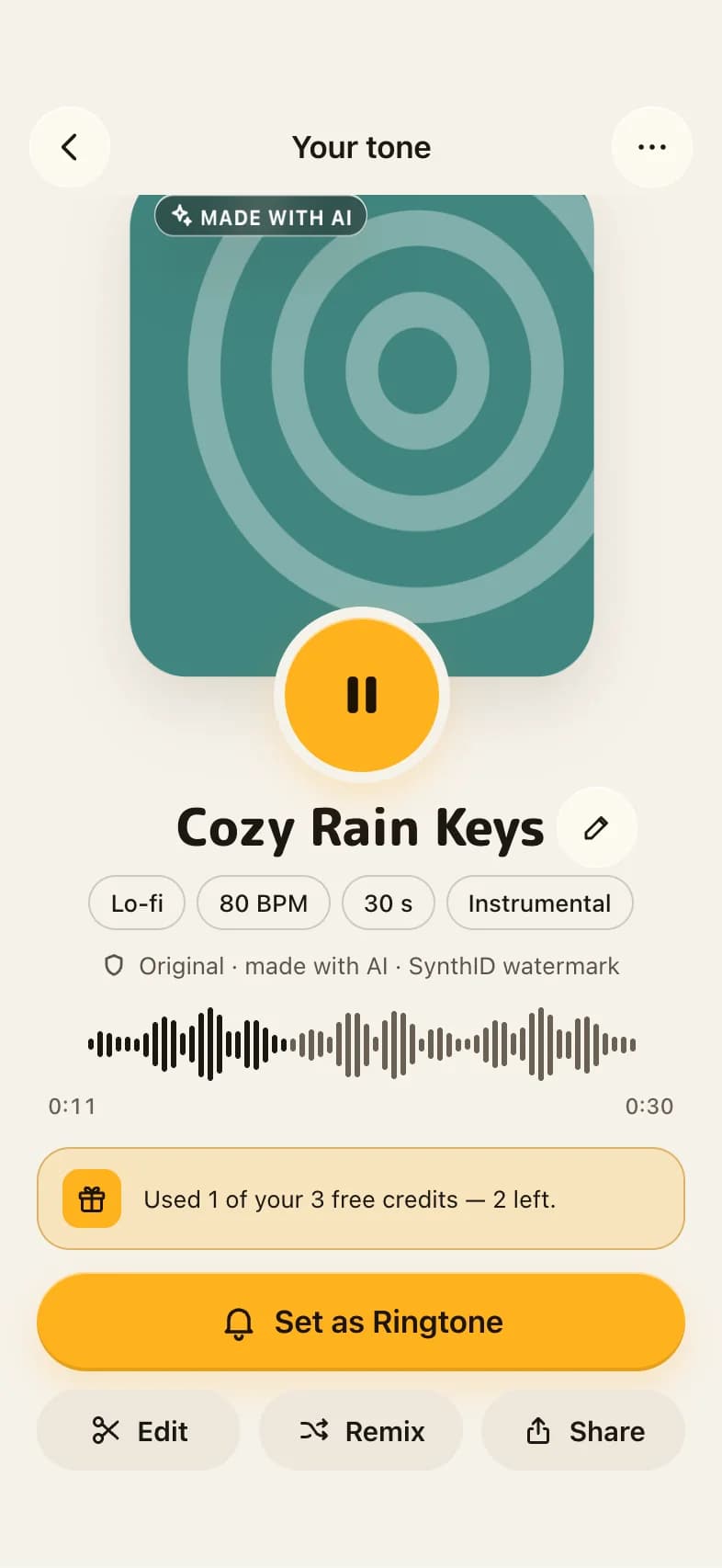
Toneroo showing a finished tone called Cozy Rain Keys, ready to set as a ringtone

Create with AI

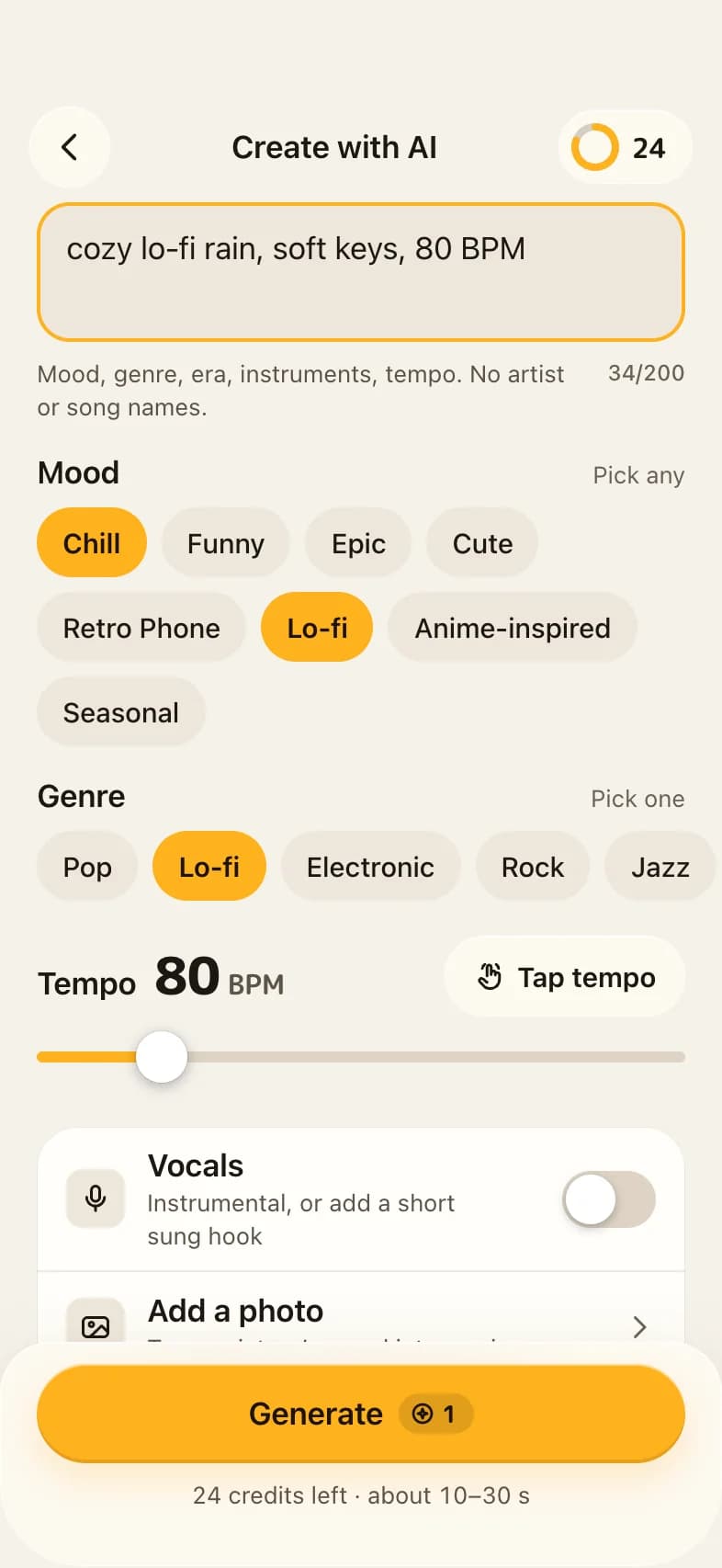
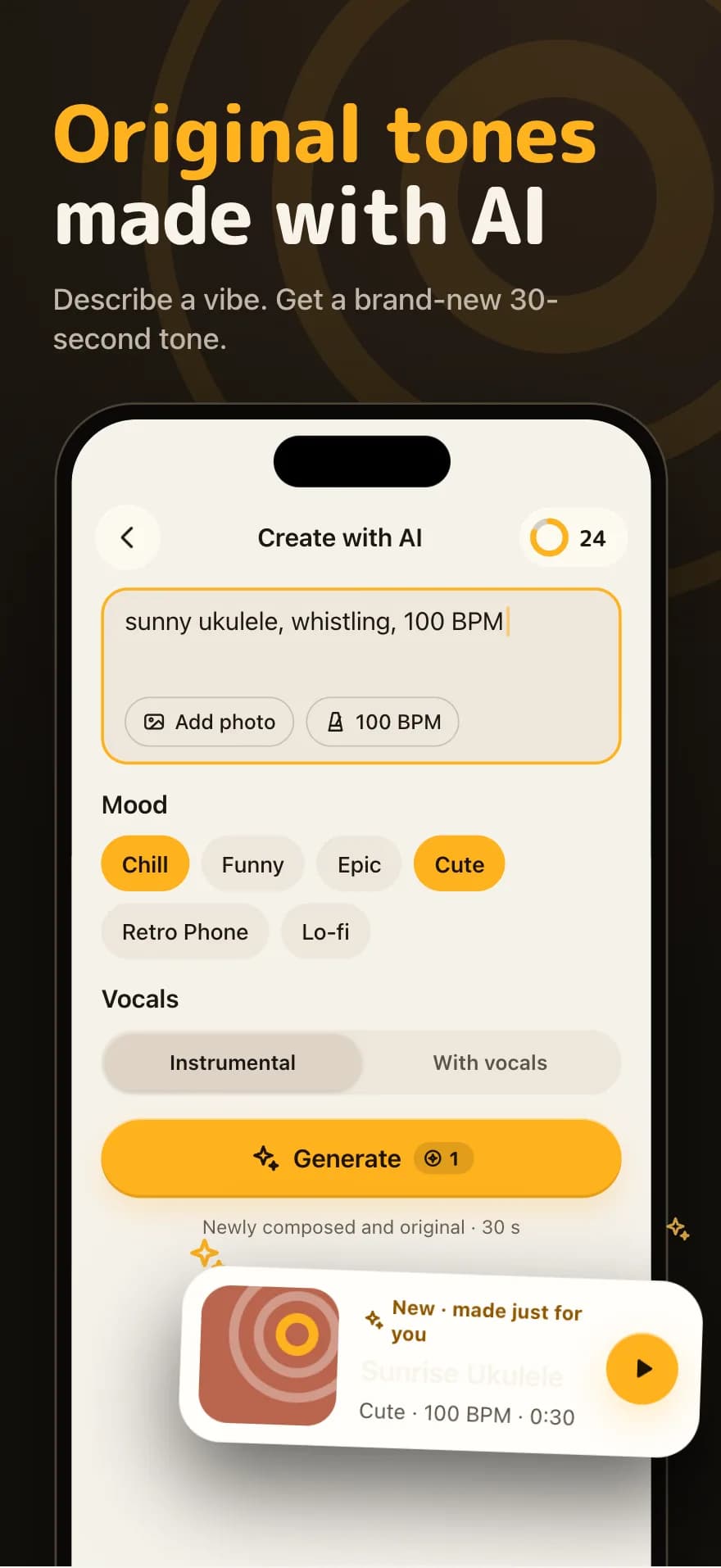
Original tones made with AI

Describe a vibe — “sunny ukulele, whistling, 100 BPM” — and get a brand-new 30-second tone. Pick a mood, genre and tempo, add vocals or keep it instrumental.

  • Newly composed, never copied
  • Moods from Chill to Retro Phone
  • Ready in 10–30 seconds
Create with AI screen with a vibe prompt, mood chips and tempo slider

Name Tones

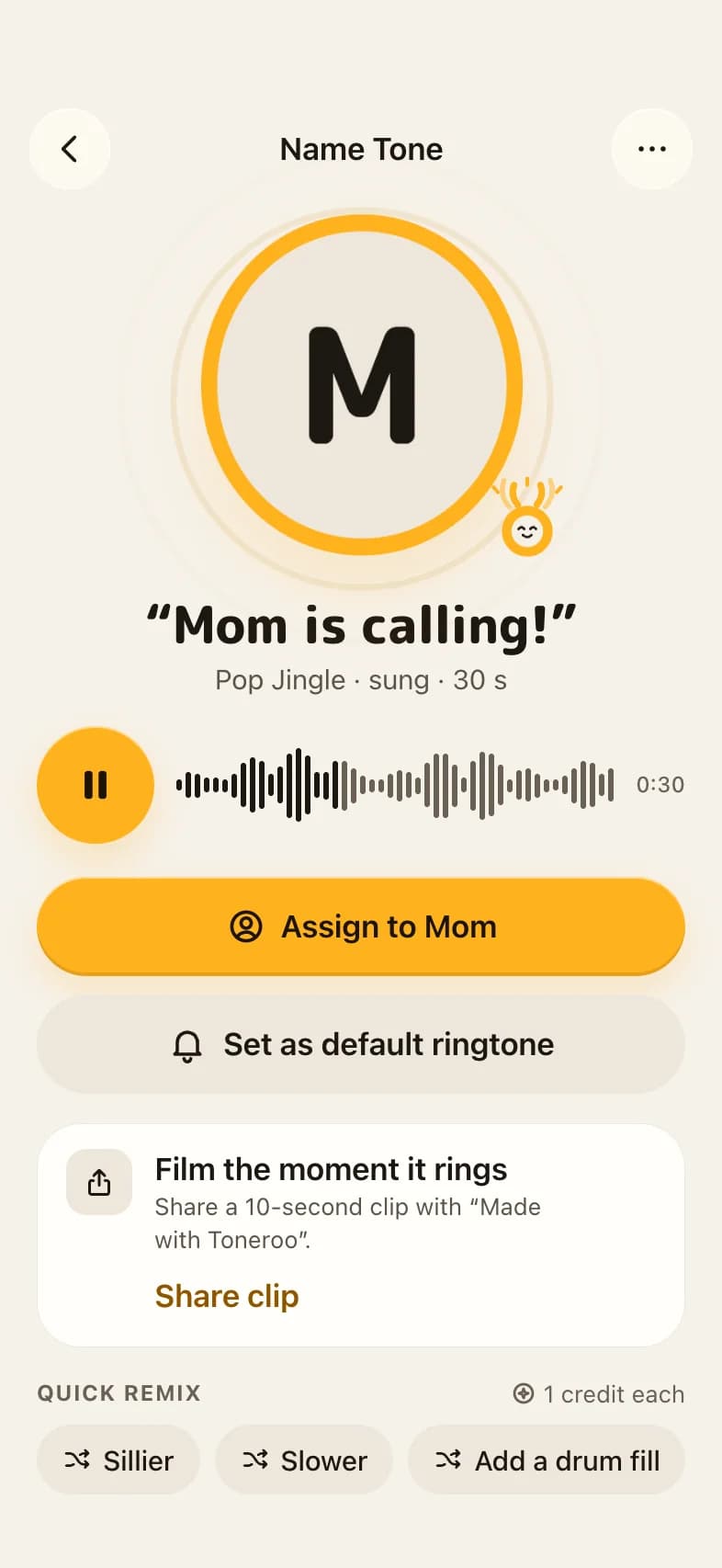
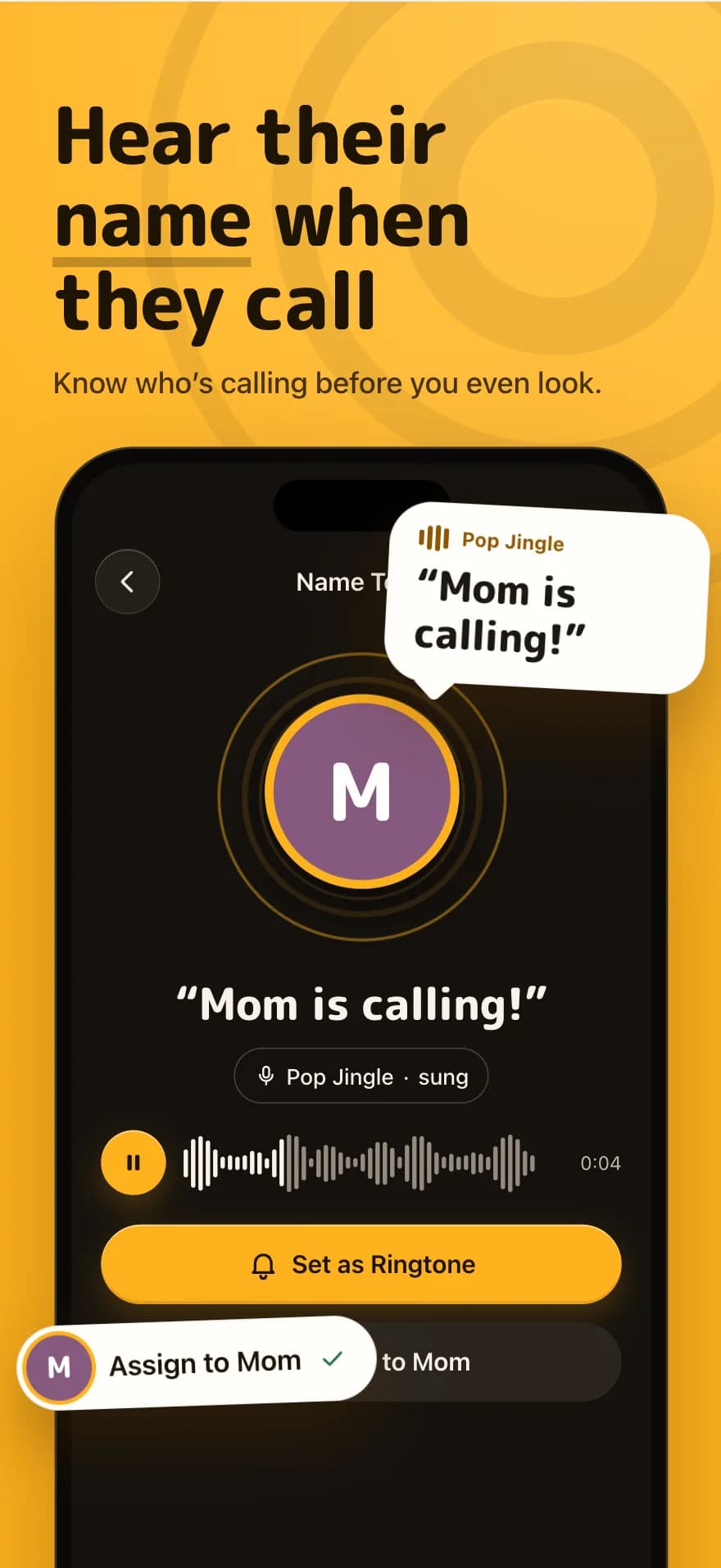
Hear their name when they call

Turn anyone's name into a sung or spoken ringtone. “Mom is calling!” — know who's calling before you even look.

  • Sung jingles or spoken voices
  • Assign to a contact in seconds
  • Perfect for filming the moment it rings
Name Tone result reading “Mom is calling!” with an Assign to Mom button

Cut from my audio

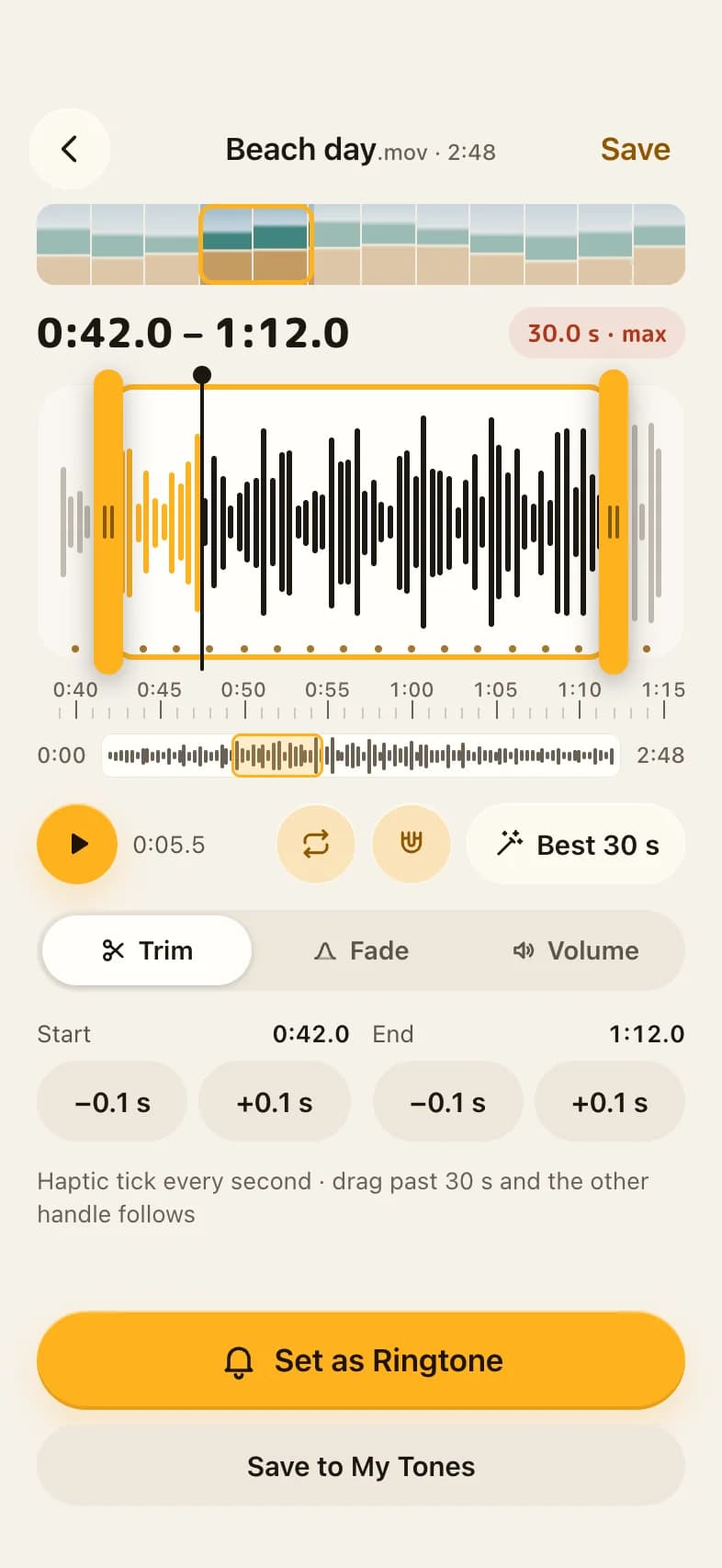
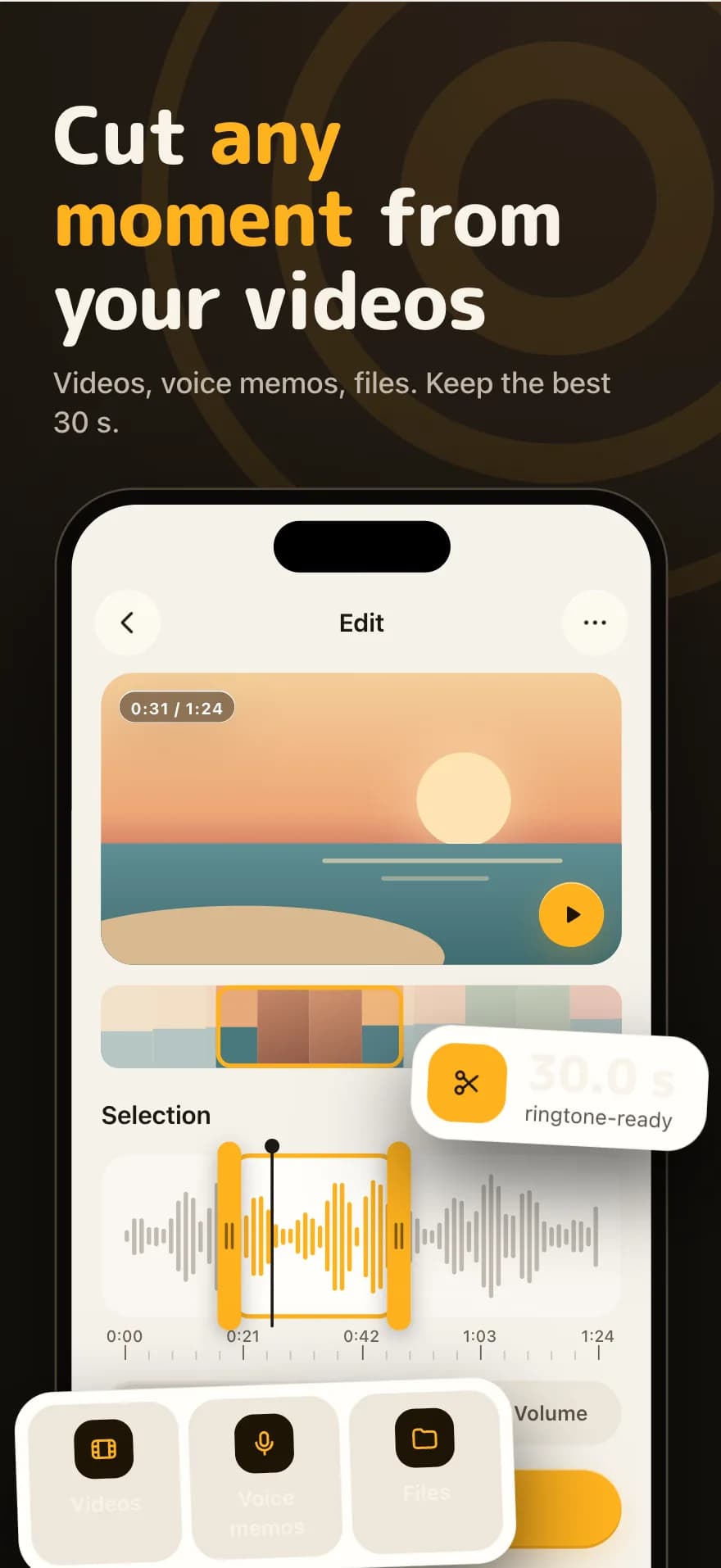
Cut any moment from your videos

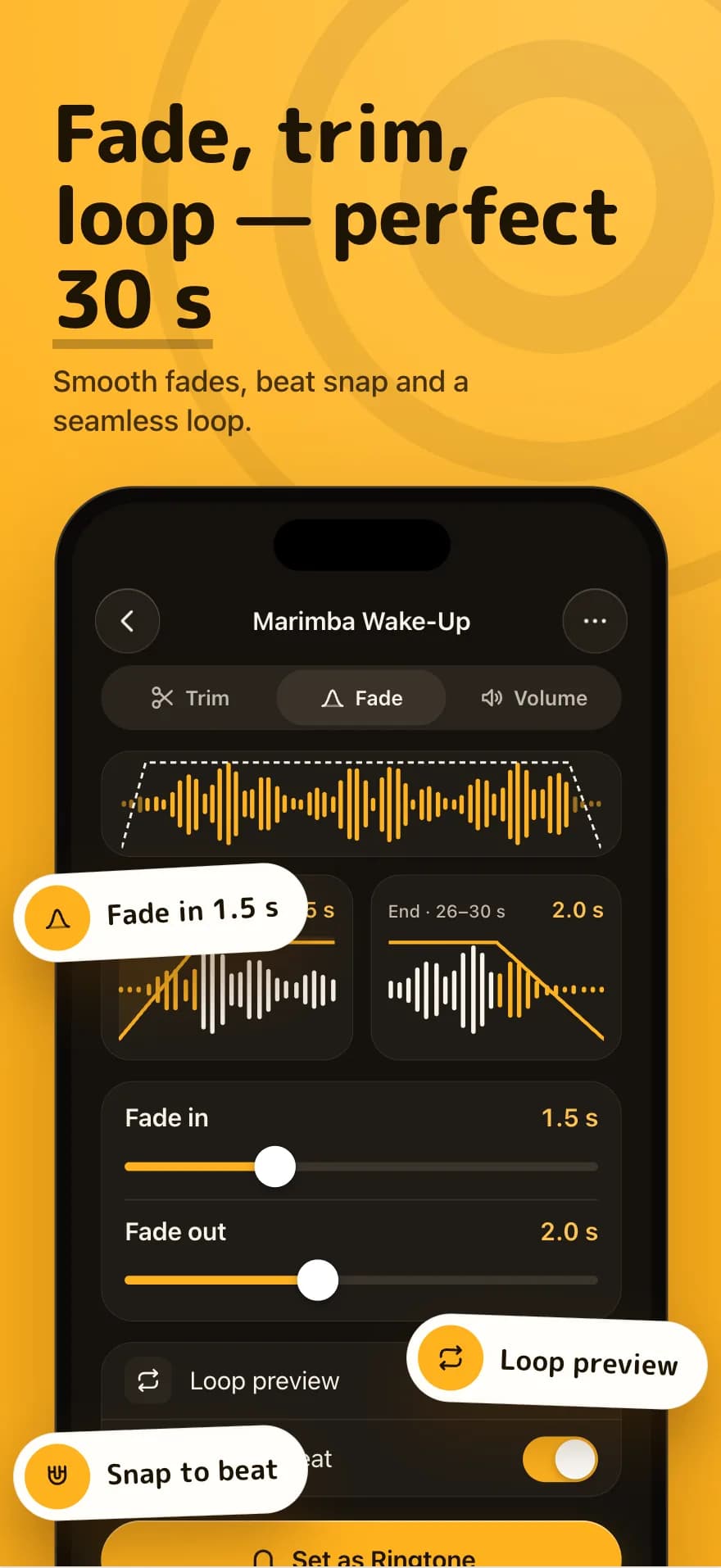
Videos, voice memos, files. Drag the handles, keep the best 30 seconds, and smooth it out with fades, volume and a seamless loop.

  • Trim, fade and boost
  • Snap to beat
  • Processed on your iPhone
Waveform editor selecting a 30-second clip from a video

Library

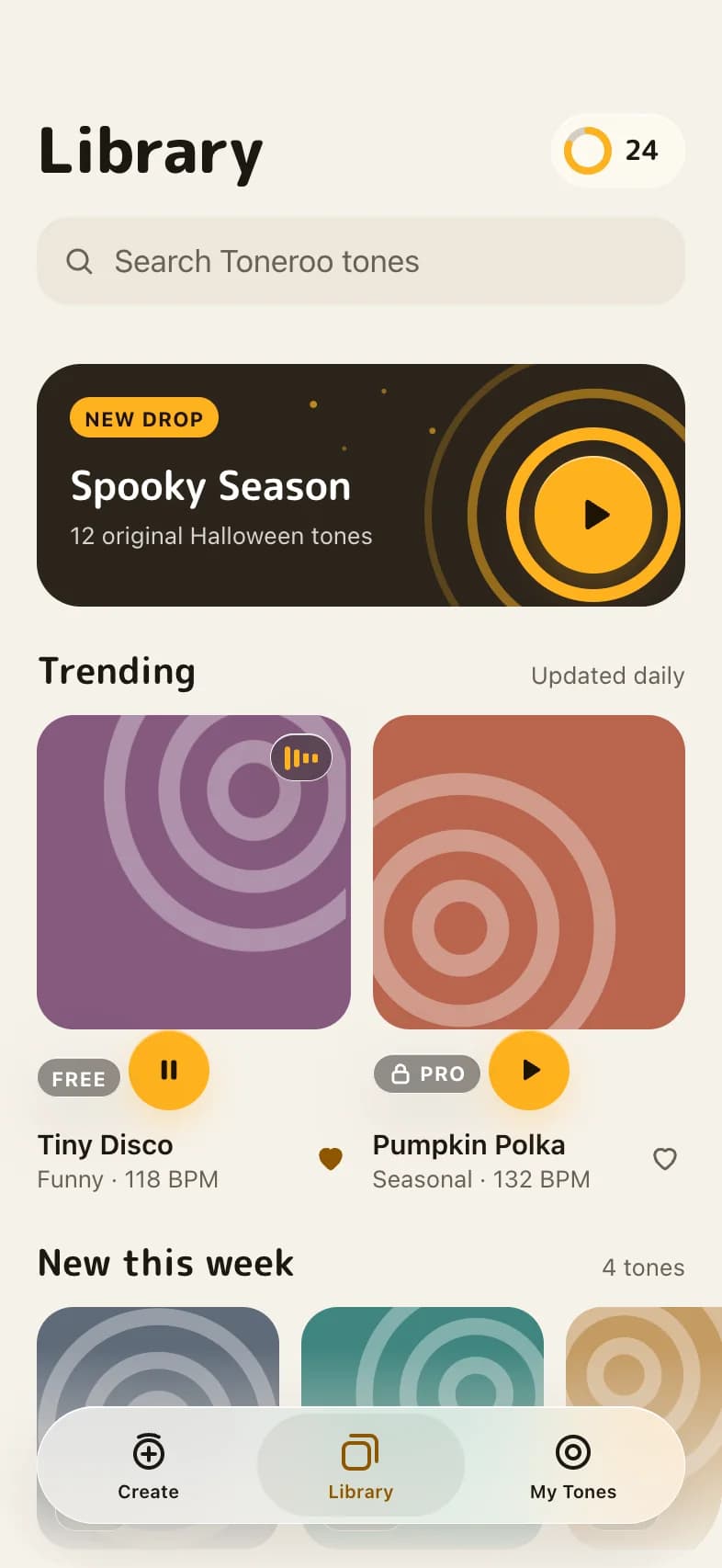
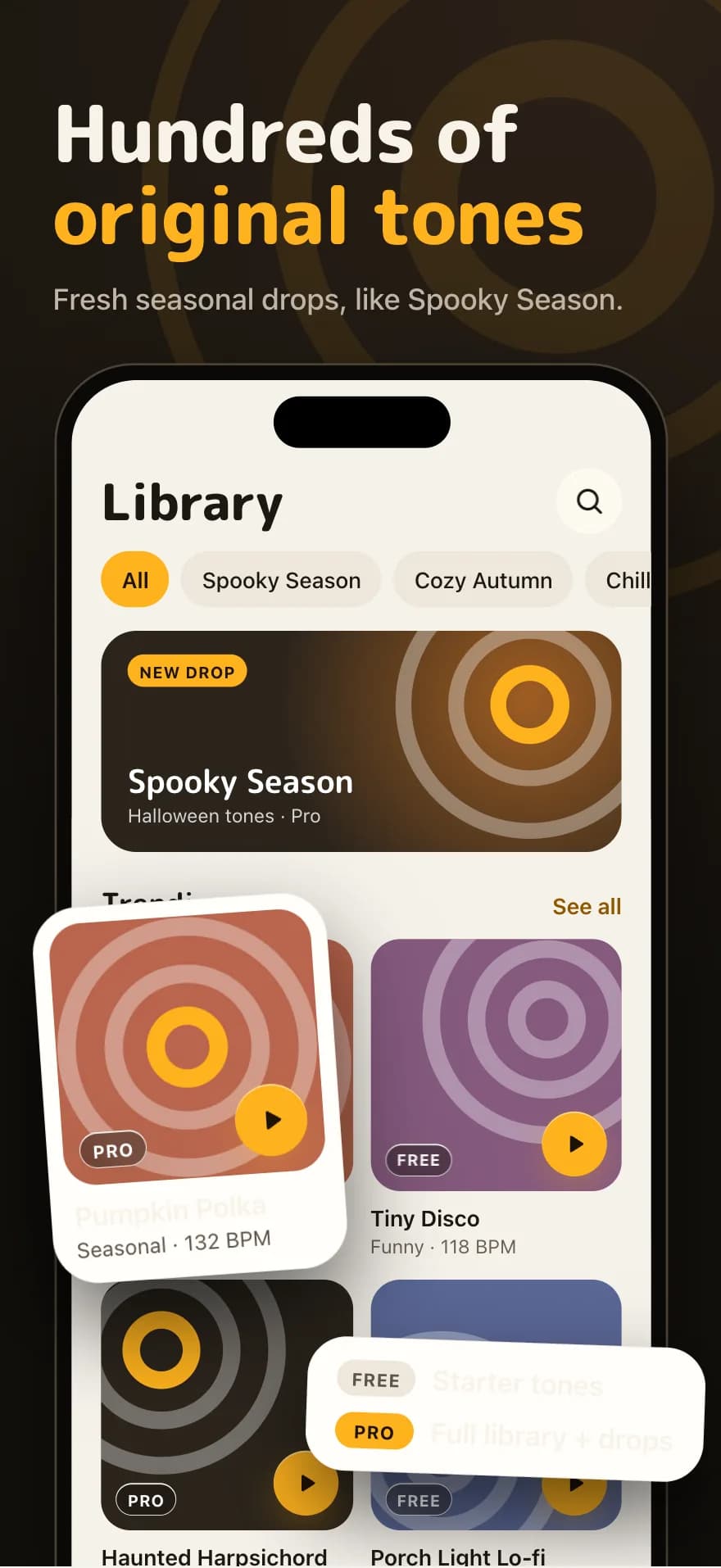
Hundreds of original tones

Browse trending tones and fresh seasonal drops like Spooky Season and Cozy Autumn. Starter tones are free; Pro unlocks the full library.

  • New drops every season
  • Remix any tone
  • Free starter collection
Library screen with the Spooky Season drop and trending tones

Set it instantly

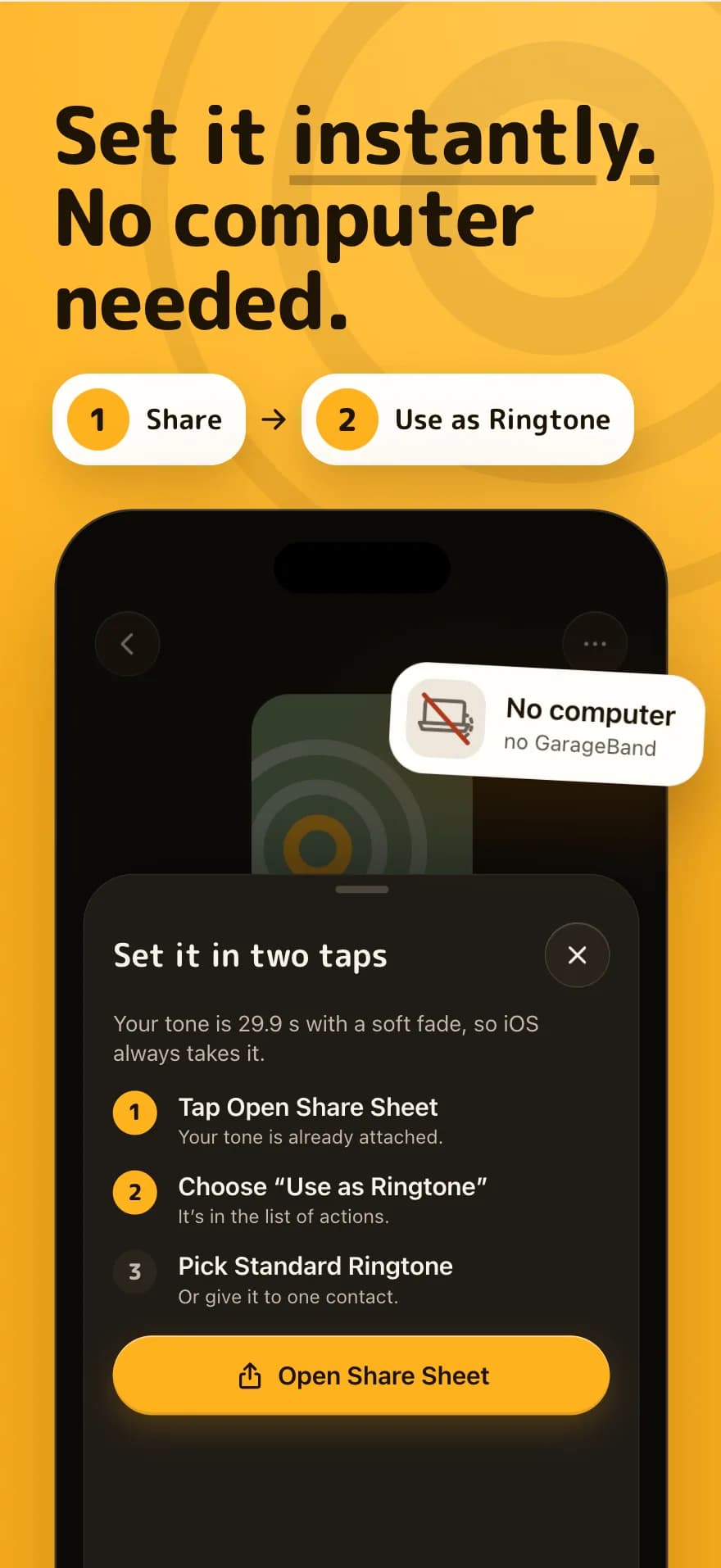
Two taps. No computer needed.

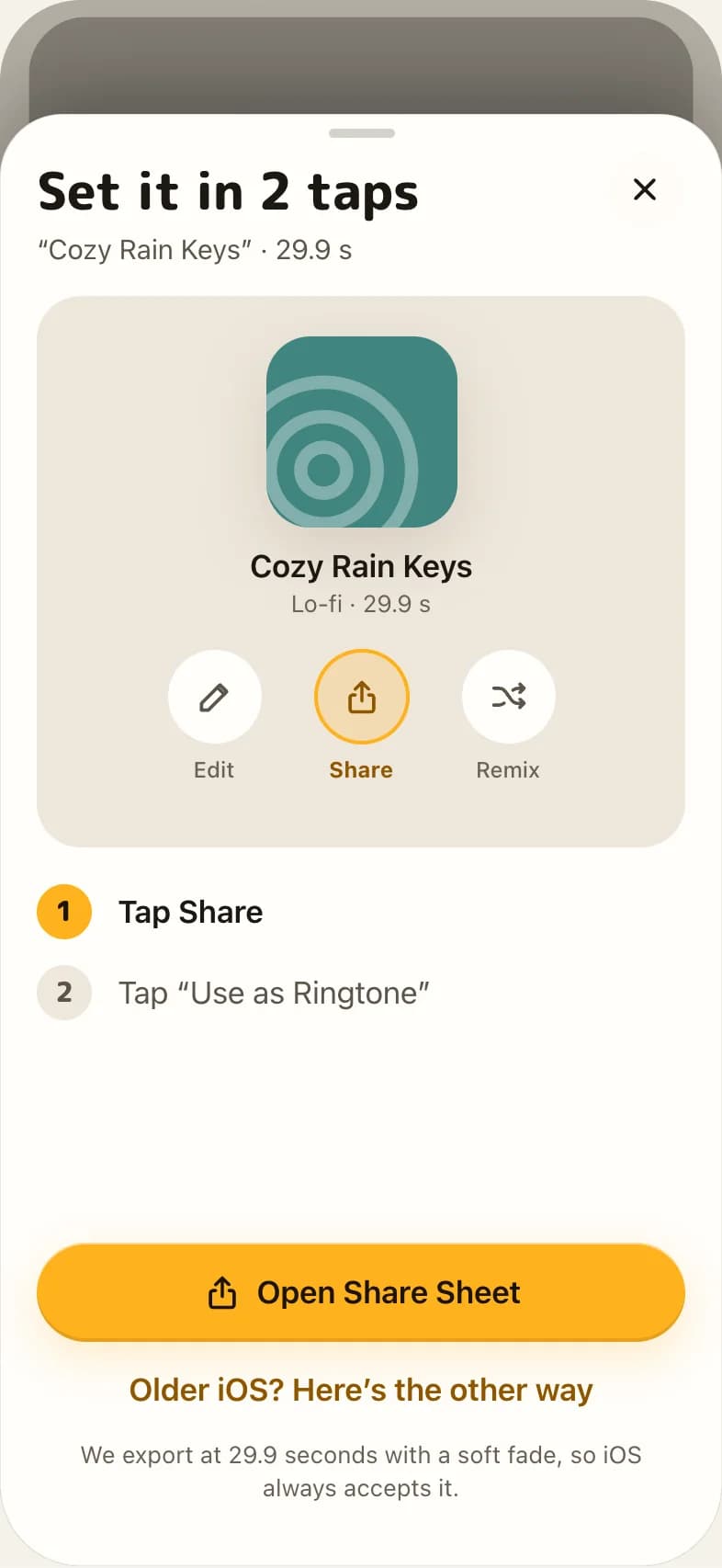
Every tone is exported at 29.9 s with a soft fade, so iOS always accepts it.

  1. 1

    Tap Share

    Your tone is already attached.

  2. 2

    Choose “Use as Ringtone”

    It's right there in the list of actions.

  3. 3

    Pick Standard Ringtone

    Or give it to one contact.

No GarageBand. On older iOS, Toneroo walks you through the classic way.

Set it in 2 taps sheet showing the Share and Use as Ringtone steps

Pricing

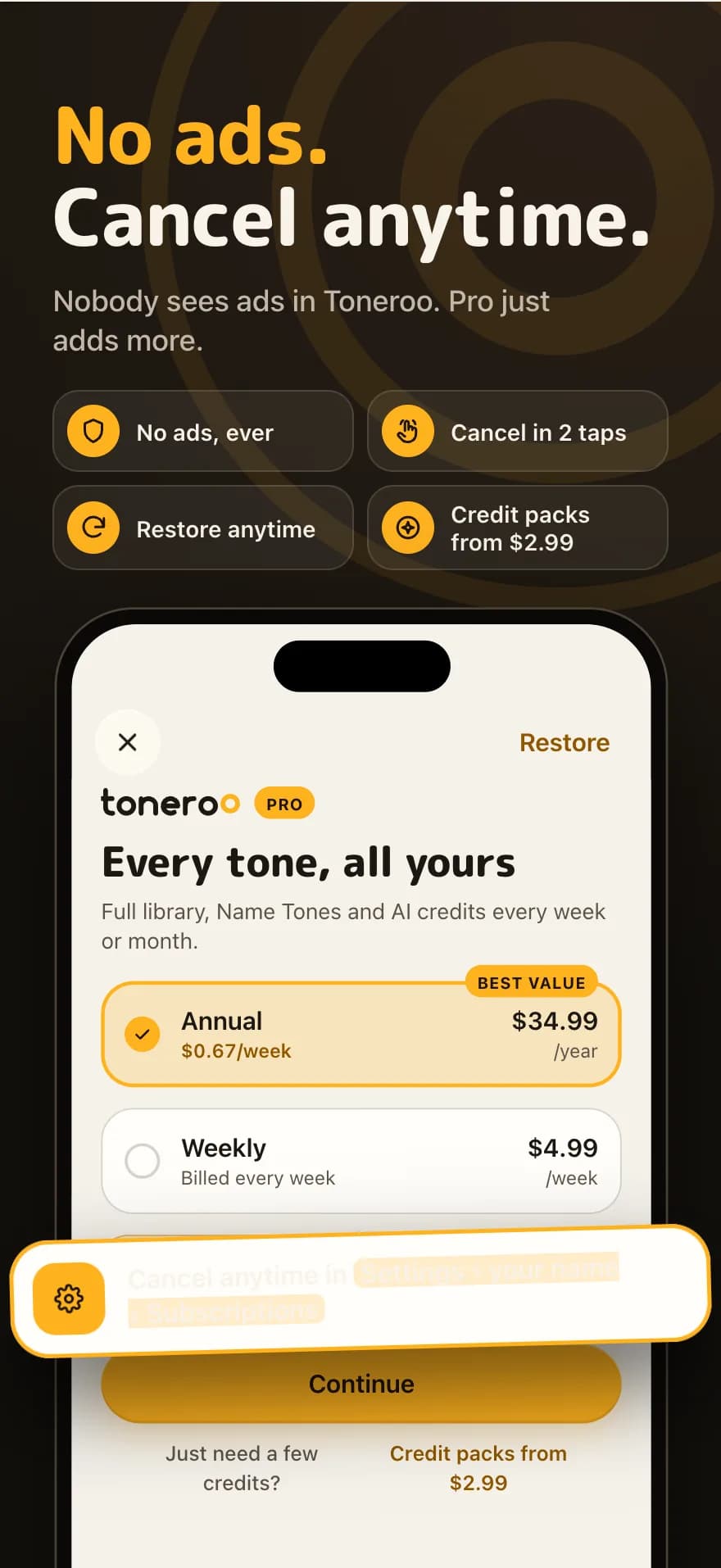
No ads. Cancel anytime.

Nobody sees ads in Toneroo. Pro just adds more.

Weekly

20 AI credits every week

$4.99/week

  • Full library + seasonal drops
  • Name Tones for everyone you love
  • Every editor tool, no ads ever
Get Toneroo
Best value

Annual

30 AI credits every month · $0.67/week

$34.99/year

  • Full library + seasonal drops
  • Name Tones for everyone you love
  • Every editor tool, no ads ever
Get Toneroo

Start with 3 free credits. Just need a few credits? Credit packs from $2.99.

Cancel anytime in Settings › your name › Subscriptions.

On the App Store

See it in action

Toneroo App Store screenshot 1Toneroo App Store screenshot 2Toneroo App Store screenshot 3Toneroo App Store screenshot 4Toneroo App Store screenshot 5Toneroo App Store screenshot 6Toneroo App Store screenshot 7Toneroo App Store screenshot 8

FAQ

Questions, answered

How do I set a tone as my ringtone?

On iOS 26, open the tone, tap Share and choose “Use as Ringtone”, then pick Standard Ringtone or a contact. On older versions, Toneroo shows you a short GarageBand walkthrough.

Are the AI tones really original?

Yes. Every AI tone is newly composed for you. Toneroo never searches for songs, makes covers or accepts artist prompts, and each AI tone carries an inaudible watermark for honesty.

Is Toneroo free?

You get 3 free credits and a free starter collection. Pro adds the full library, Name Tones and AI credits every week or month. Credit packs start at $2.99.

Do you upload my videos or voice memos?

No. Cutting your own audio happens on your iPhone and is free and unlimited.

How do I cancel Pro?

Go to Settings › your name › Subscriptions on your iPhone and cancel in two taps. You can restore purchases anytime in the app.

Your next ringtone is one tap away.

Make it, then Share › Use as Ringtone.

Download on the App Store